How to donate
Support the gallery with a one-off gift by card, from the website or a QR code.
-
Open Donate from the About menu, or scan a QR code in the gallery — both go to the same page. A code printed for one gallery says so on the page, and its takings are recorded against that gallery; donating from the website supports the organisation as a whole.

-
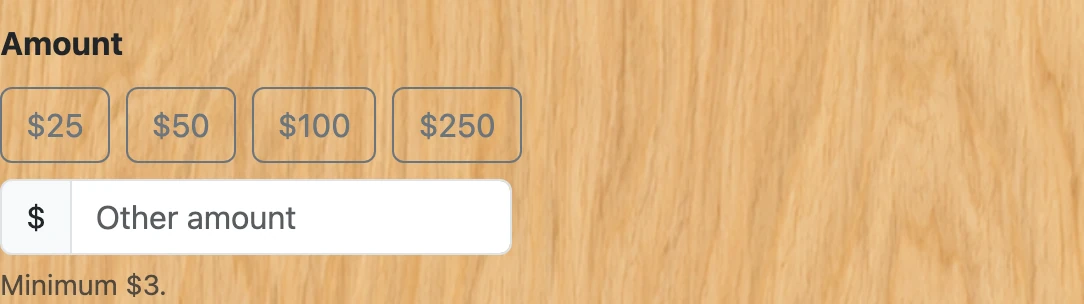
Pick one of the suggested amounts, or type your own in the box. There is a small minimum because card processing takes a fixed fee out of anything smaller.
-
That is all that is asked for. Stripe collects the email and the name on its own page, so there is nothing else to fill in here — and the receipt goes to the address that actually took the payment rather than one retyped from memory. Donating adds nobody to a mailing list.

-
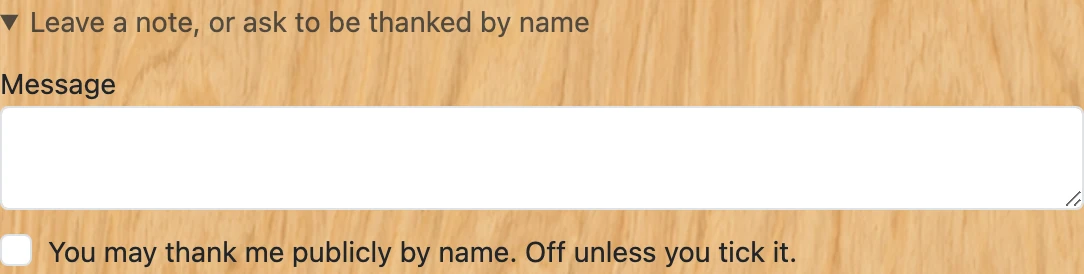
If you want to leave a note, or to be thanked publicly by name, open “Leave a note” below the button. Both are optional and the public-thanks box is off unless you tick it: giving is not the same as agreeing to be listed.
- Click "Continue to payment". You are handed over to Stripe’s own payment page — your card details are entered there and never touch this website.
-
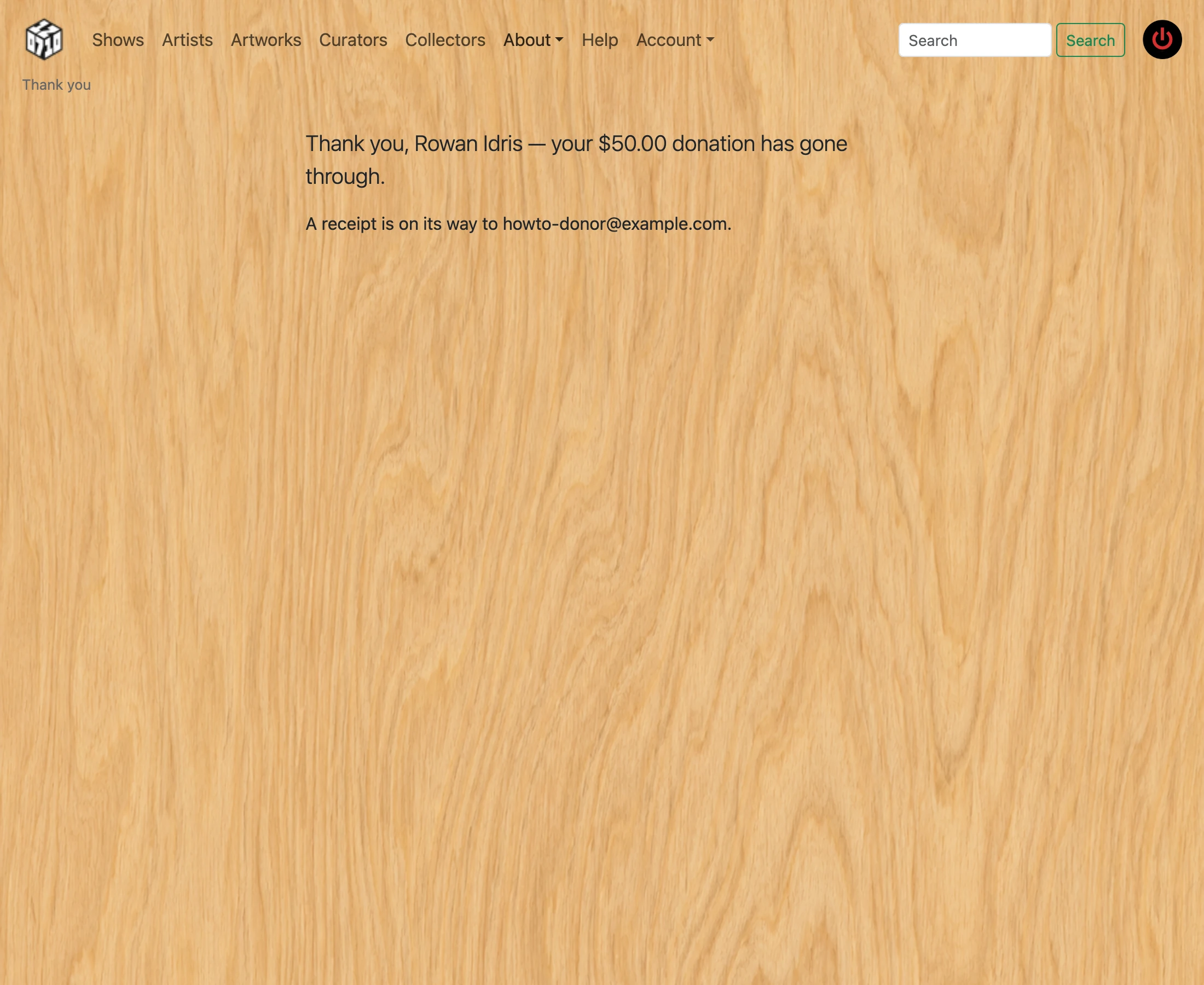
Pay, and you are returned here. The page says thank you straight away and confirms the payment separately, because settlement is not instant: a card takes seconds, and a bank account can take a few business days. Nothing is owed in the meantime and the receipt follows when it clears.
-
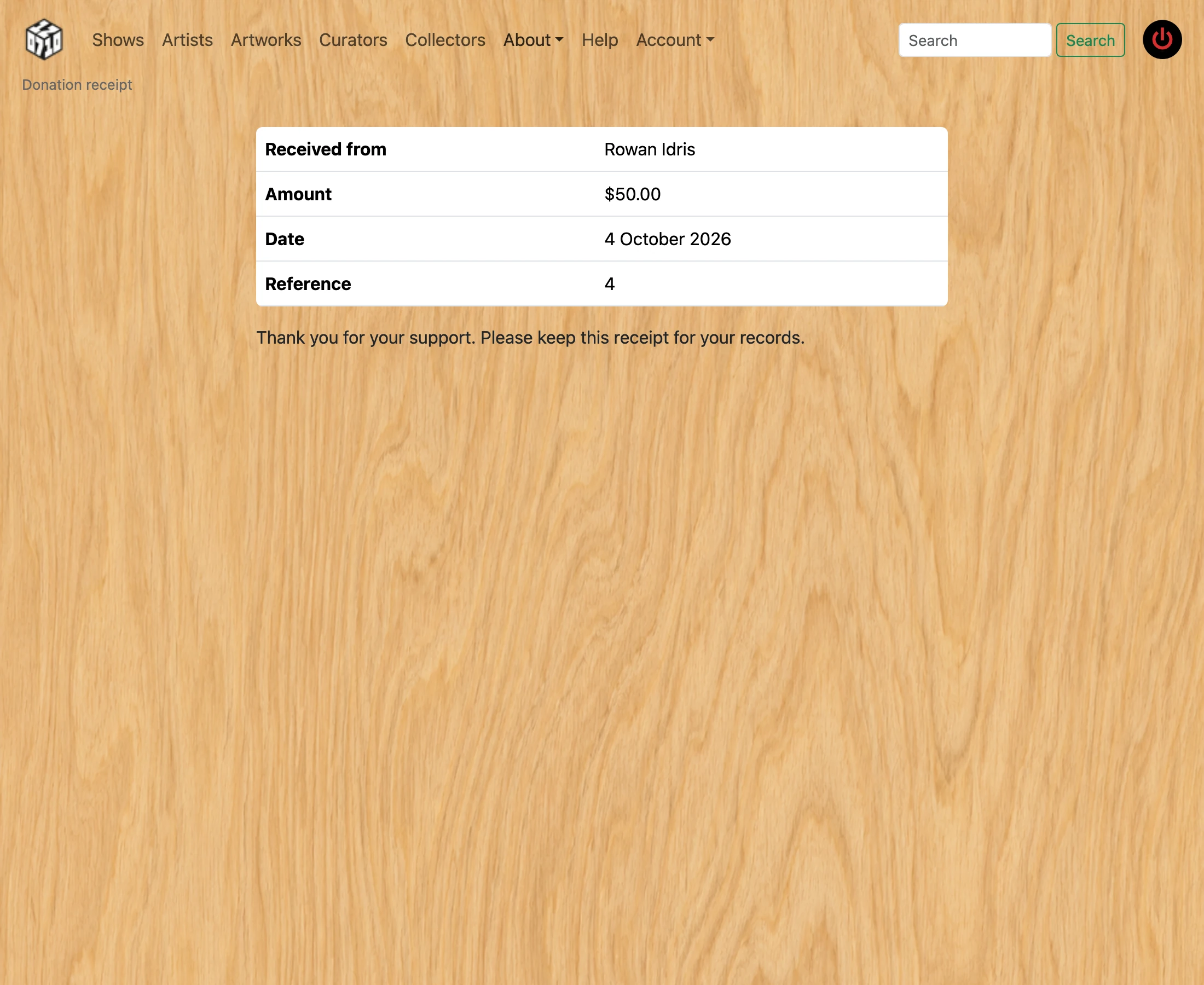
A receipt arrives by email once the payment confirms, with a link you can return to any time. If the gallery’s tax details are on file the receipt also carries the EIN and states that no goods or services were provided, which is what makes the gift deductible.
- Donating is not the same as buying artwork. A donation supports the gallery; buying a piece is a purchase and is not tax-deductible. The two are kept completely separate and cannot be combined into one payment.