How to adjust card sizes
Resize the card grids across the site, and reset them to the default.
-
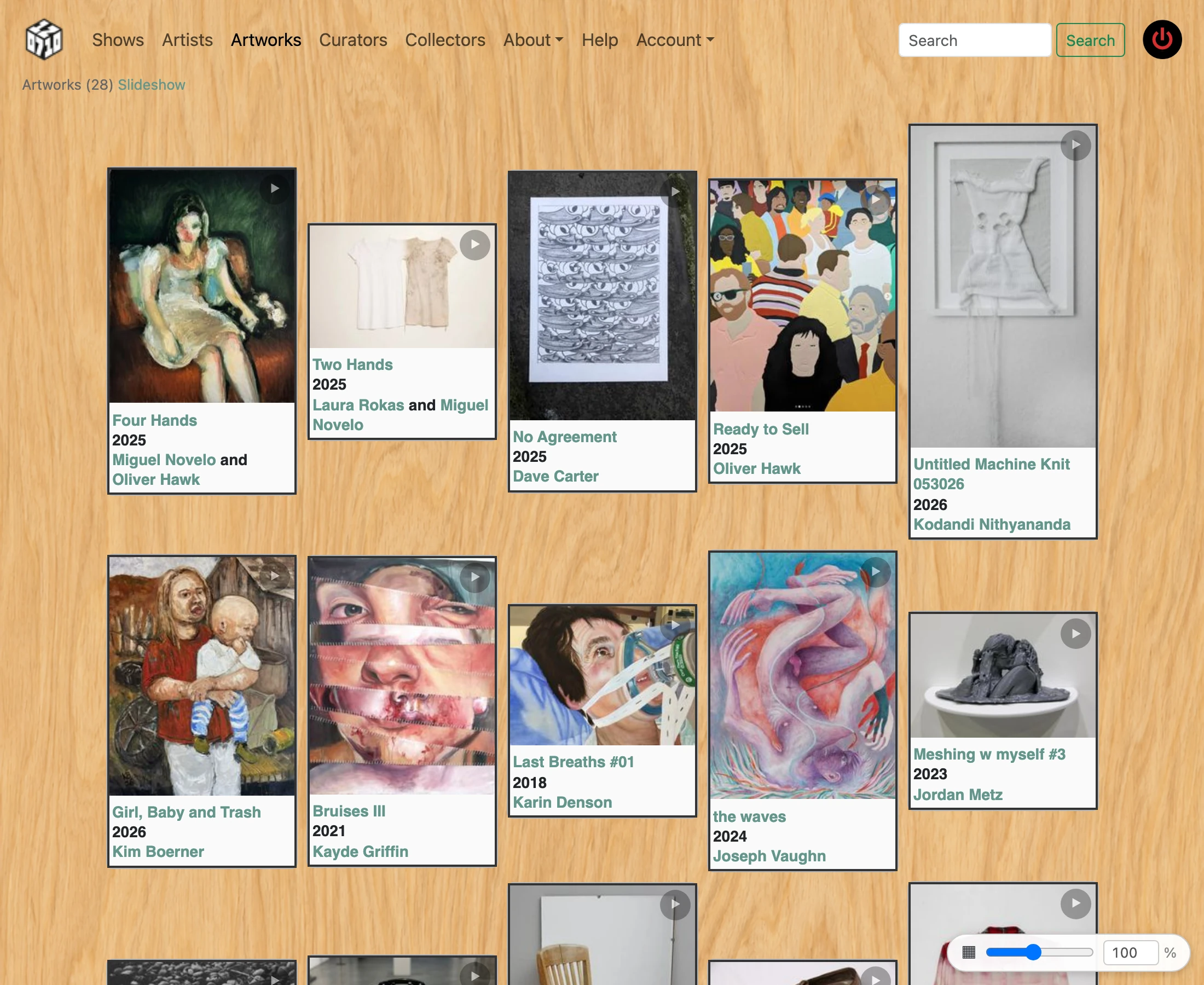
On any page that shows a card grid (artists, artworks, shows, submissions, etc.) a ▦ icon appears in the bottom-right corner of the browser window.
-
Drag the slider next to the ▦ icon left to make cards smaller, right to make them larger. The percentage label updates live.

-
The size range is 25% (very small thumbnails) to 200% (large cards). Your choice is saved in the browser and restored the next time you visit.
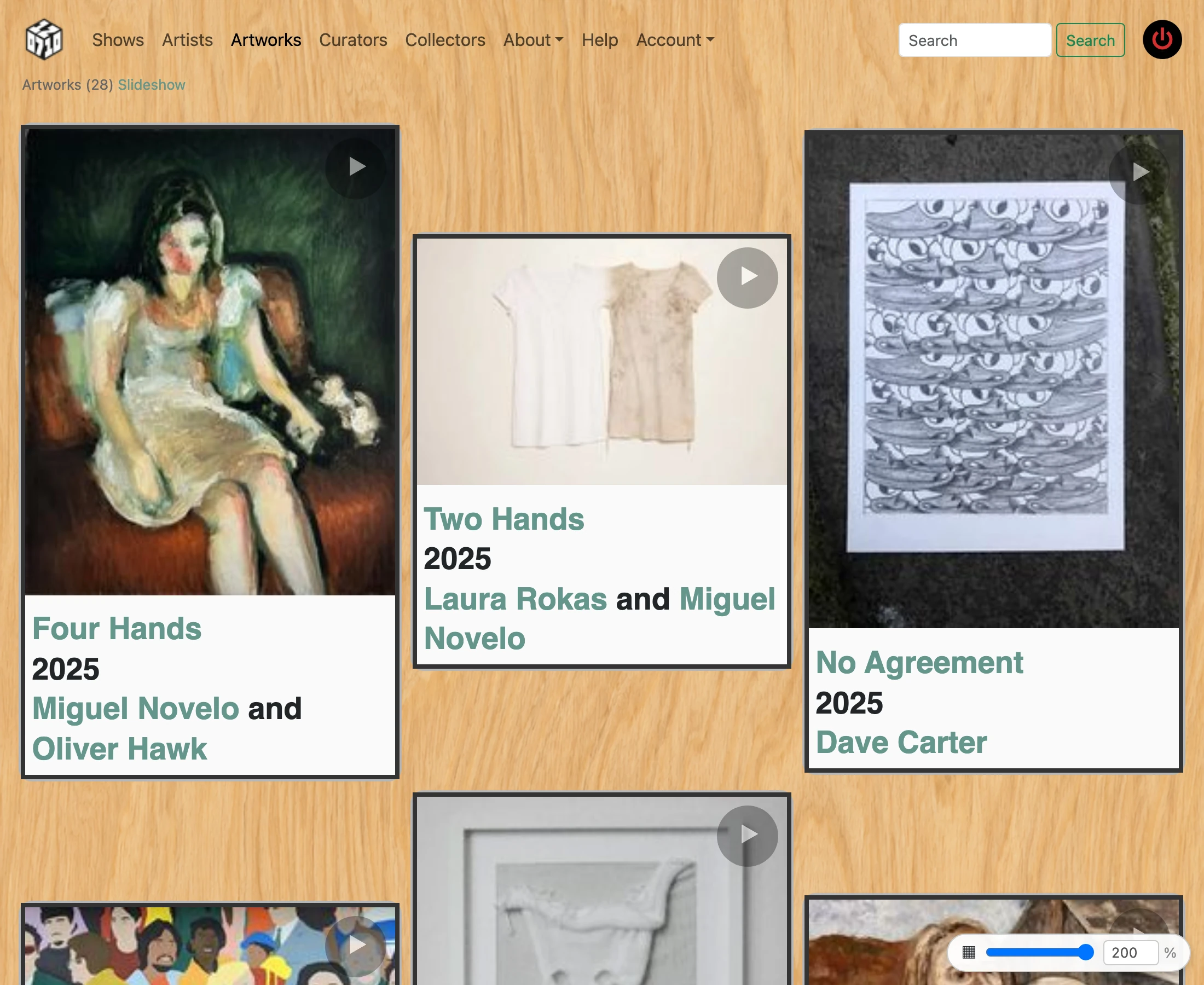
- Double-click the ▦ icon to reset the cards to the default 100% size.