How to buy a piece of artwork
Buy a piece outright and collect it, or enquire about one that is not priced.
-
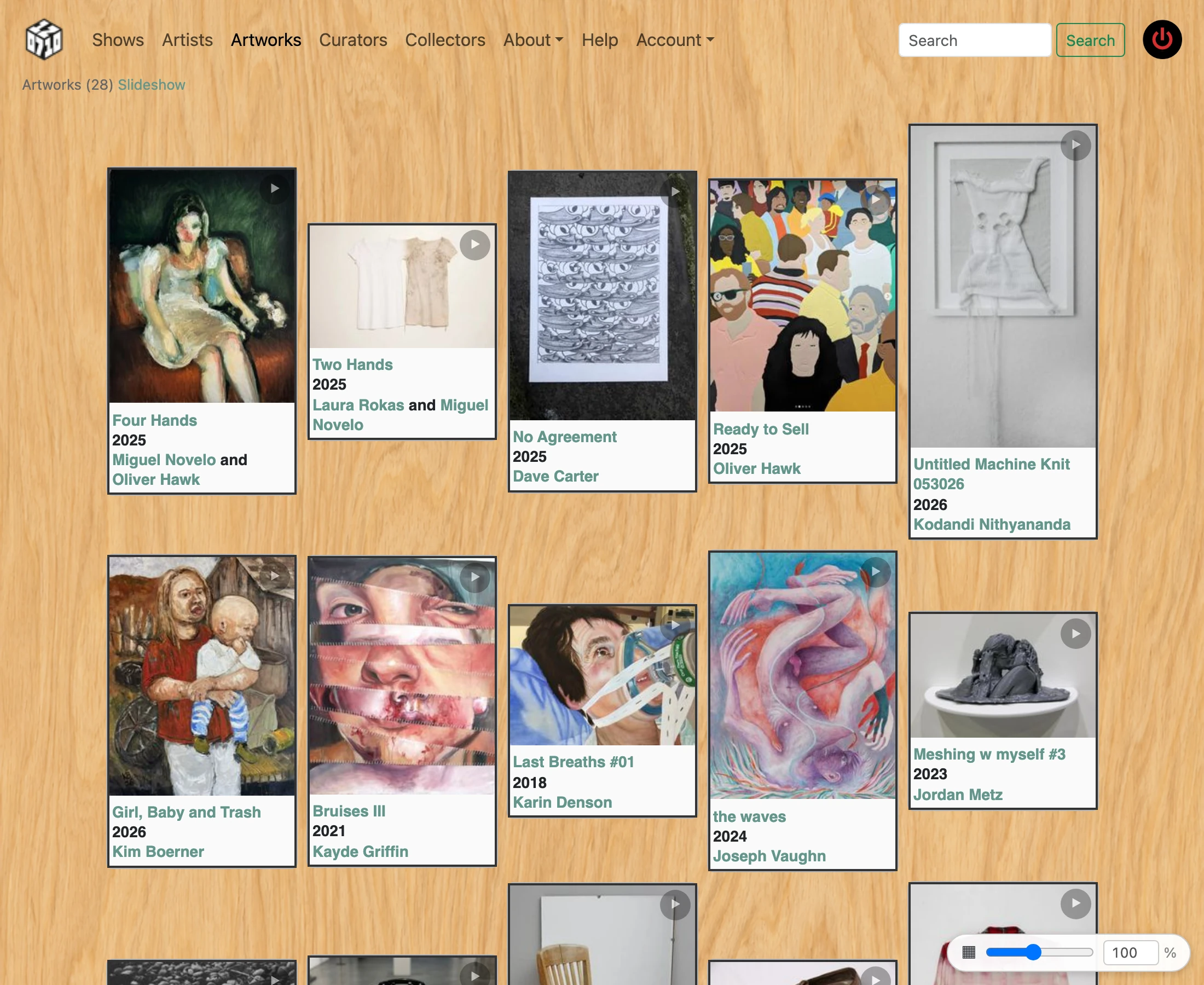
Find the artwork you are interested in — browse Shows or Artists from the navigation, or ask the gallery for a direct link.
-
On the artwork detail page, check the price listed. If it shows "Not For Sale" the work is unavailable. If it shows "Price on Request" or "Best Offer", the artist will discuss pricing with you directly.
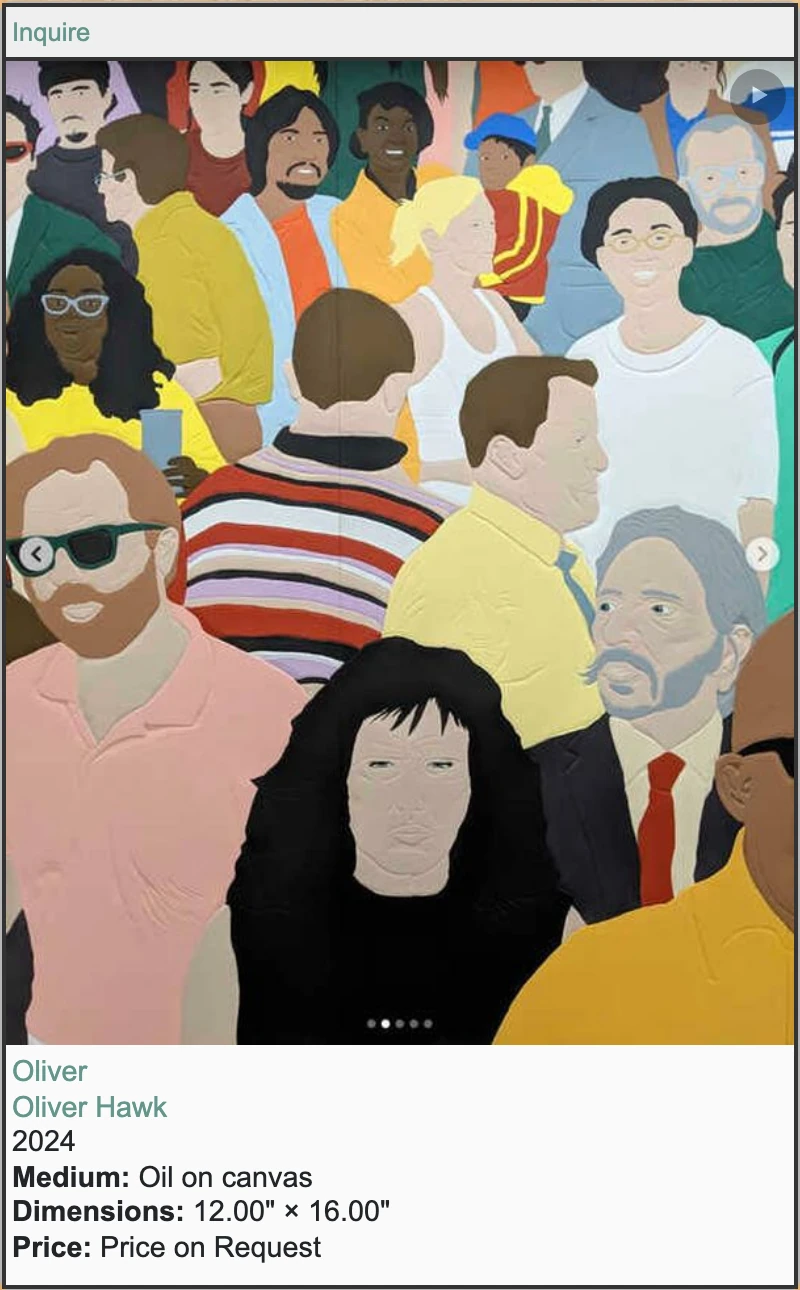
- A piece is on sale while its show is on — from the day before it opens until the day it comes down, and for a short while afterwards if the gallery is still holding it, so somebody who was away during the run has not simply missed it. Outside that the page says when it goes on sale, or that the show has ended. If the piece can be bought now there is a green “Buy” button under the price with the amount on it. No account is needed. Underneath it says “Collected from the gallery. We do not ship. Sales tax is added at checkout” — the first is the whole delivery method, so only buy a piece you can come and fetch, and the second is why the figure on the payment page is larger than the one on the button.
- Pressing Buy takes you to Stripe, which is where you enter your card. Your card details go to Stripe and never to this website. Give an email address you can read: the receipt goes there, and it is what you use to collect the work. You are also asked for a billing address, which is what California sales tax is worked out from — so the total there is the price plus that tax, and the receipt itemises both.
- The piece is held for you from the moment you press Buy, so nobody can buy it out from under you while you are paying. Change your mind and simply close the payment page — nothing is charged, and the piece goes back on sale.
- After paying you come back here. If it says your payment is still settling, that is normal and there is nothing more to do — the confirmation follows by email, usually within a minute.
- Keep the receipt. It confirms what you paid, and it carries the link that releases the work when you collect it. If you lose it, the gallery can find your purchase and send it again — just ask.
- The work stays on the wall until the show comes down. To collect it, open the link in your receipt on your phone and show it to somebody at the desk: they scan the code on it and hand the piece over. If you do not have the email with you, they can find you by name instead.
-
If there is no Buy button the piece is not for sale through the site, and Inquire is the way. Click the Inquire button on the artwork page. No account is required to inquire.

-
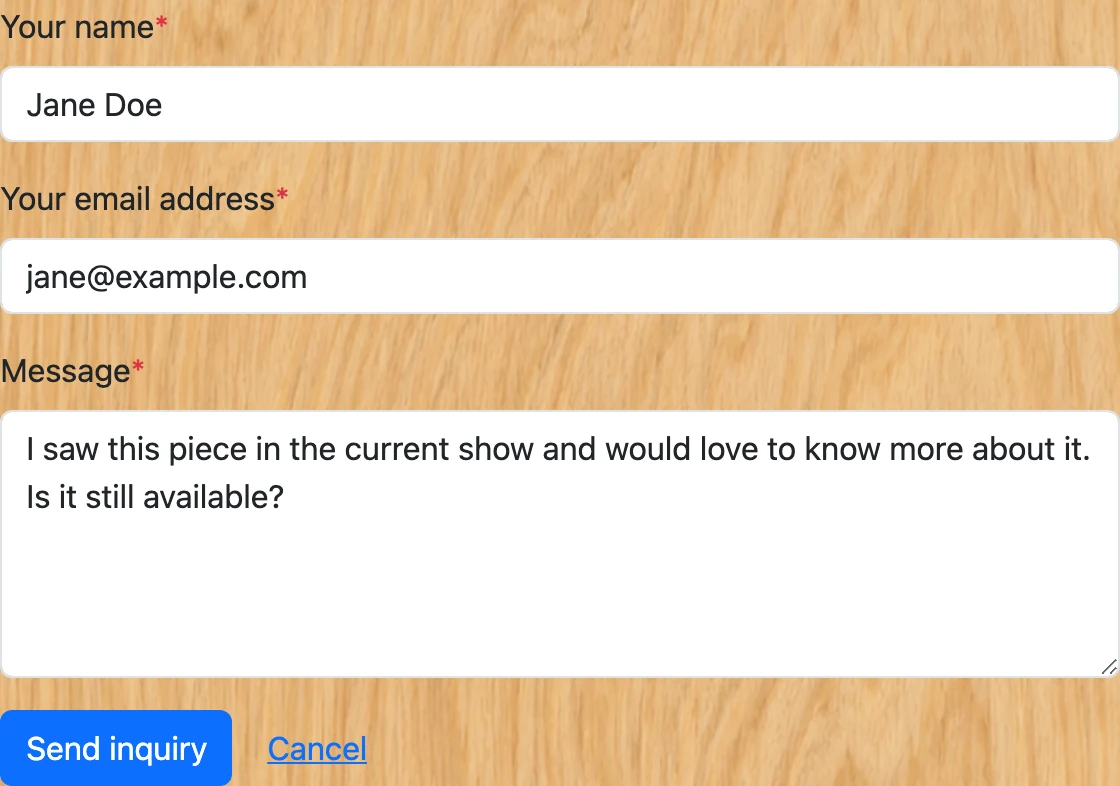
Fill in your name, email address, and a message to the artist — for example, express your interest and ask any questions about the work. You may be asked to complete a quick "I'm not a robot" verification.
-
Submit the form. Your message is sent directly to the artist with your email address included so they can reply to you.

- The artist will follow up with you by email to arrange payment and collection.
- Optional — record the piece in your own collection: once you own it you can display it in a personal Collection on this site. This is free and you do not need to be an artist.
- Create an account (see "How to sign up for an account"), then set up your profile (see "How to complete your artist profile") — your Collection is shown on your profile page.
-
Go back to the artwork detail page and click "Claim" in the button bar. The piece's artist (or staff) confirms your claim, and it then appears in your Collection, where you can drag cards to reorder them. See "How to record artwork ownership" for the full claim/confirm flow.
