How to schedule your art install / drop-off and pickup
Book your delivery and collection times once your work is accepted into a show.
-
After your work is accepted into a show and the curator has set up windows, open the show detail page and click "Schedule My Install & Pickup" (it may say "Drop-off & Pickup" if the curator installs the work).

-
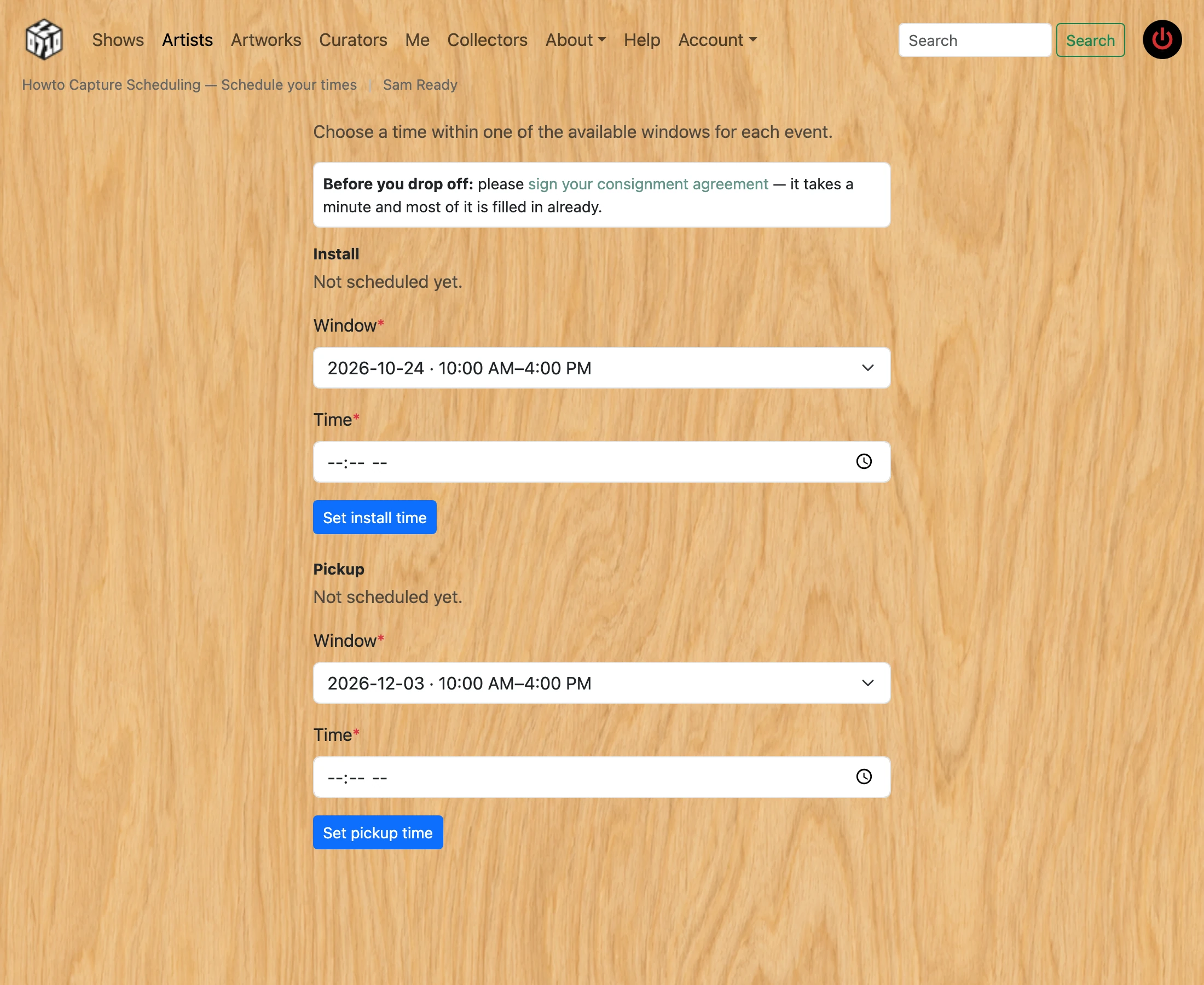
For the first event (Install or Drop-off), choose one of the available windows from the dropdown, enter a specific time within that window's range, and click Set.
-
For Pickup (used after the show closes), do the same to choose when you will collect your work.
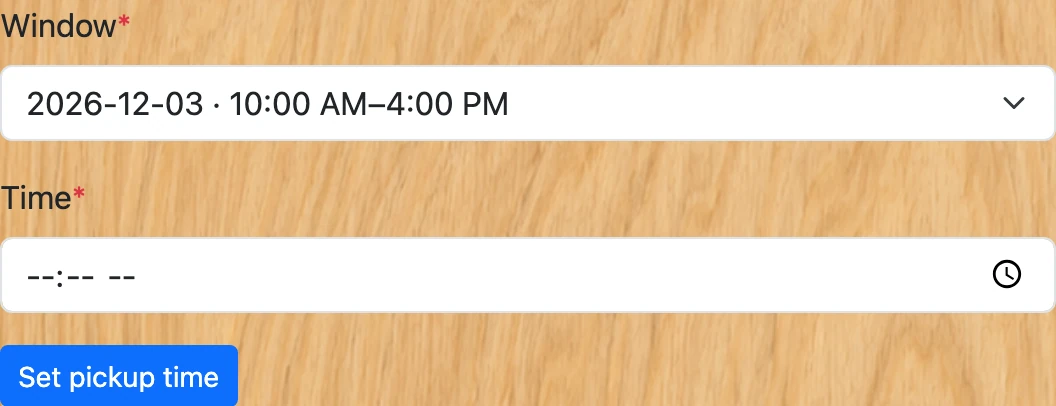
- If the show is self-install, your install time is also your drop-off — you bring and hang your work in one visit. If the curator installs, you only drop the work off at your chosen time.
-
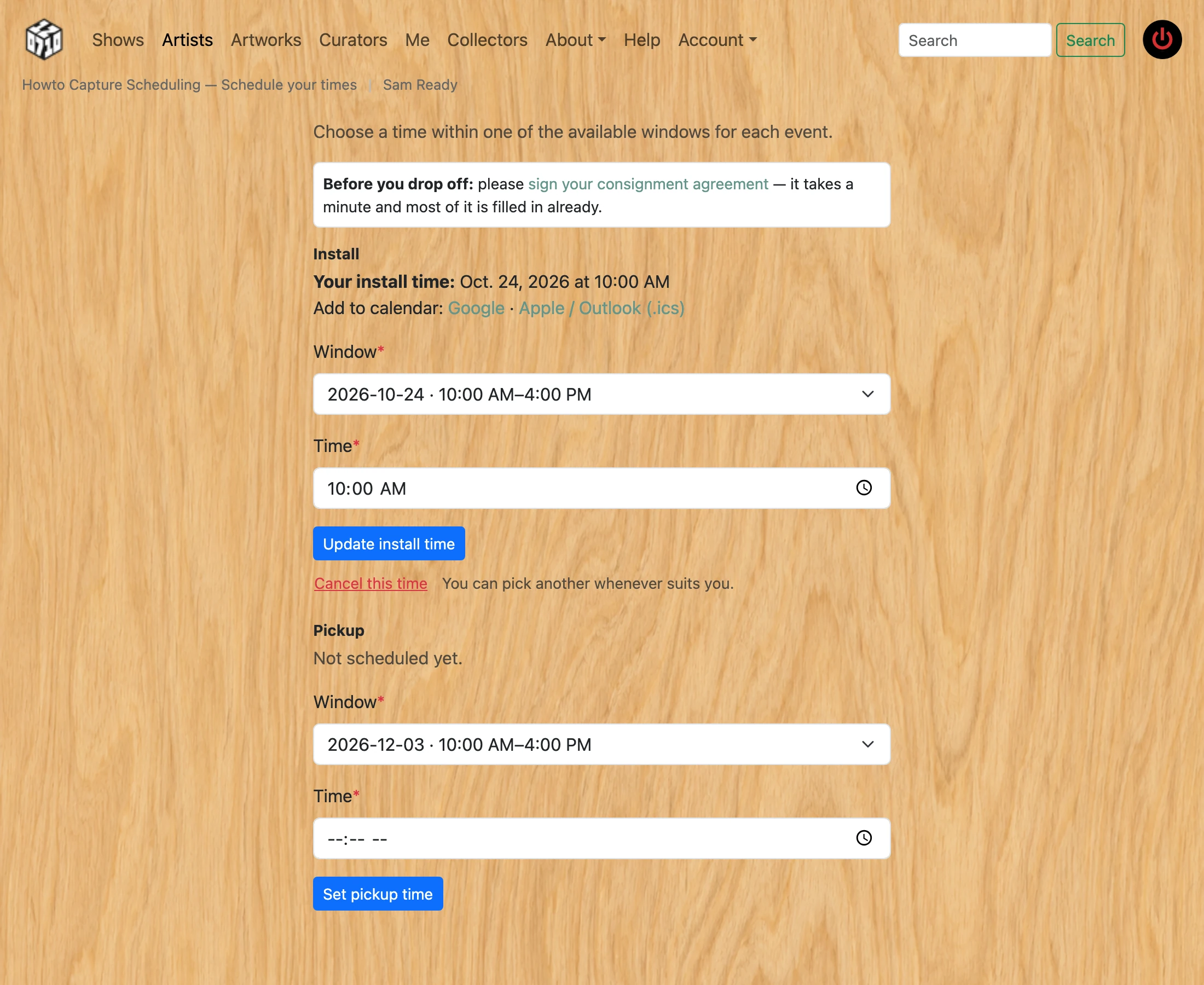
Your chosen times are shown on the page, and you can come back to update them any time before the window — just pick a different one and press Update. If you cannot come at all, use “Cancel this time”: a time nobody turns up to is worse than no time, because somebody waits in for it. Cancelling puts you back on the list to be asked again. Once the curator has checked your work in, the time can no longer be changed or cancelled.
-
After you set a time, "Add to calendar" links appear next to it: Google opens Google Calendar pre-filled; the Apple / Outlook (.ics) link downloads a calendar file that opens in Apple Calendar, Outlook, or any calendar app. Both include the gallery address.

- Sign your consignment agreement before you drop work off — the link is on this page, on the show page, and in the email. It says what the gallery is responsible for while it has your work and what it takes if the work sells. If the work in the show changes later — a piece added, removed or repriced — this page asks you to sign again, and the new agreement replaces the old one. See “How to sign your consignment agreement”.