How to sign up for an account
Create an account with an email and password, or with Google, and confirm your address.
-
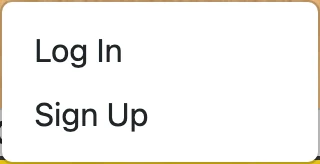
Open the Account menu in the navigation and choose Sign Up.
-
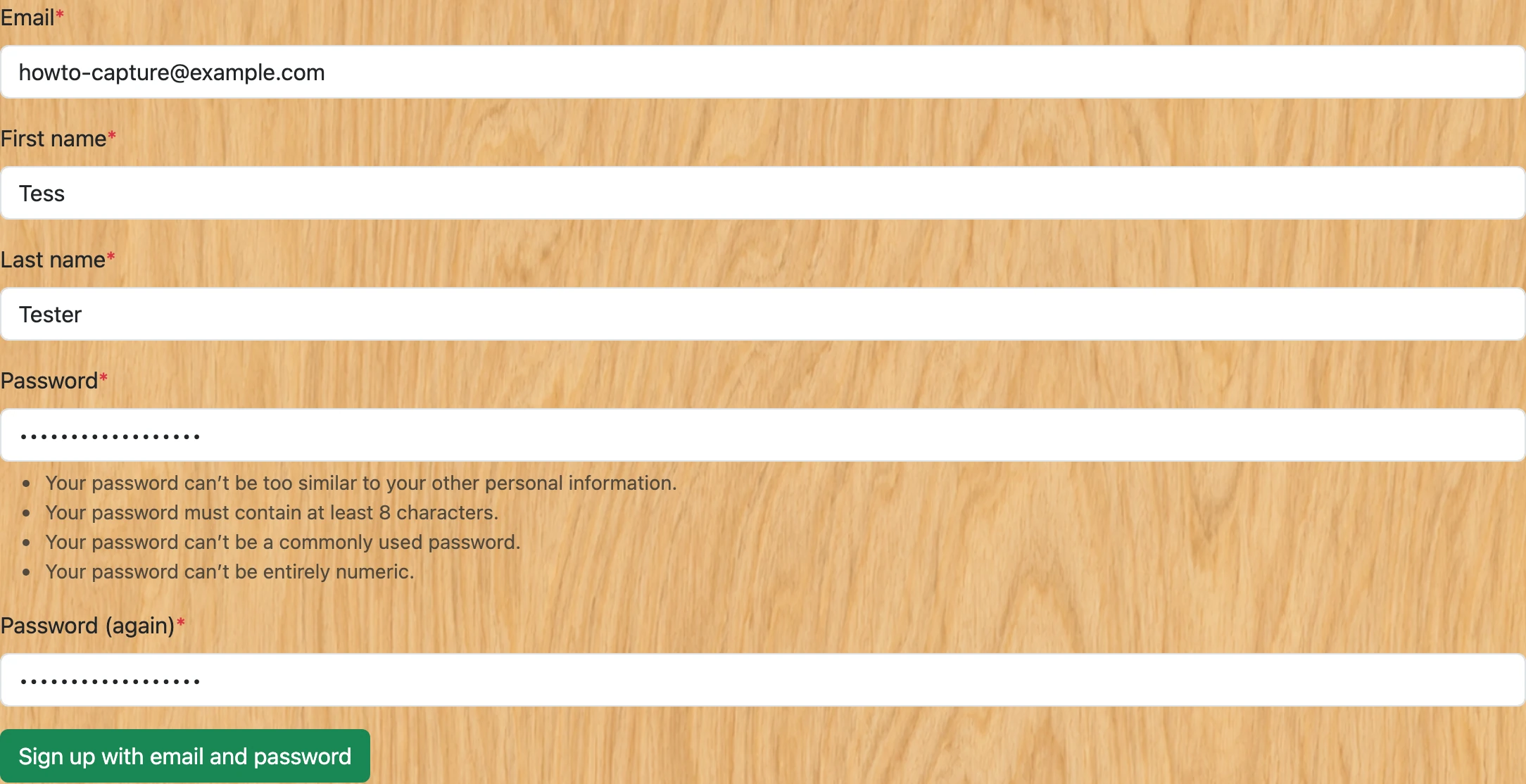
Enter your first name, last name, email address, and password — or use the "Continue with Google" option to skip the password. There is no separate username; your email address is how you log in.
-
If you signed up with an email address and password, you must confirm the address before you can do anything: you land on a "Verify Your Email Address" page, and we email you a confirmation link. Open it, click Confirm, then log in with the email and password you chose. Signing up with Google skips this — it signs you in immediately.

-
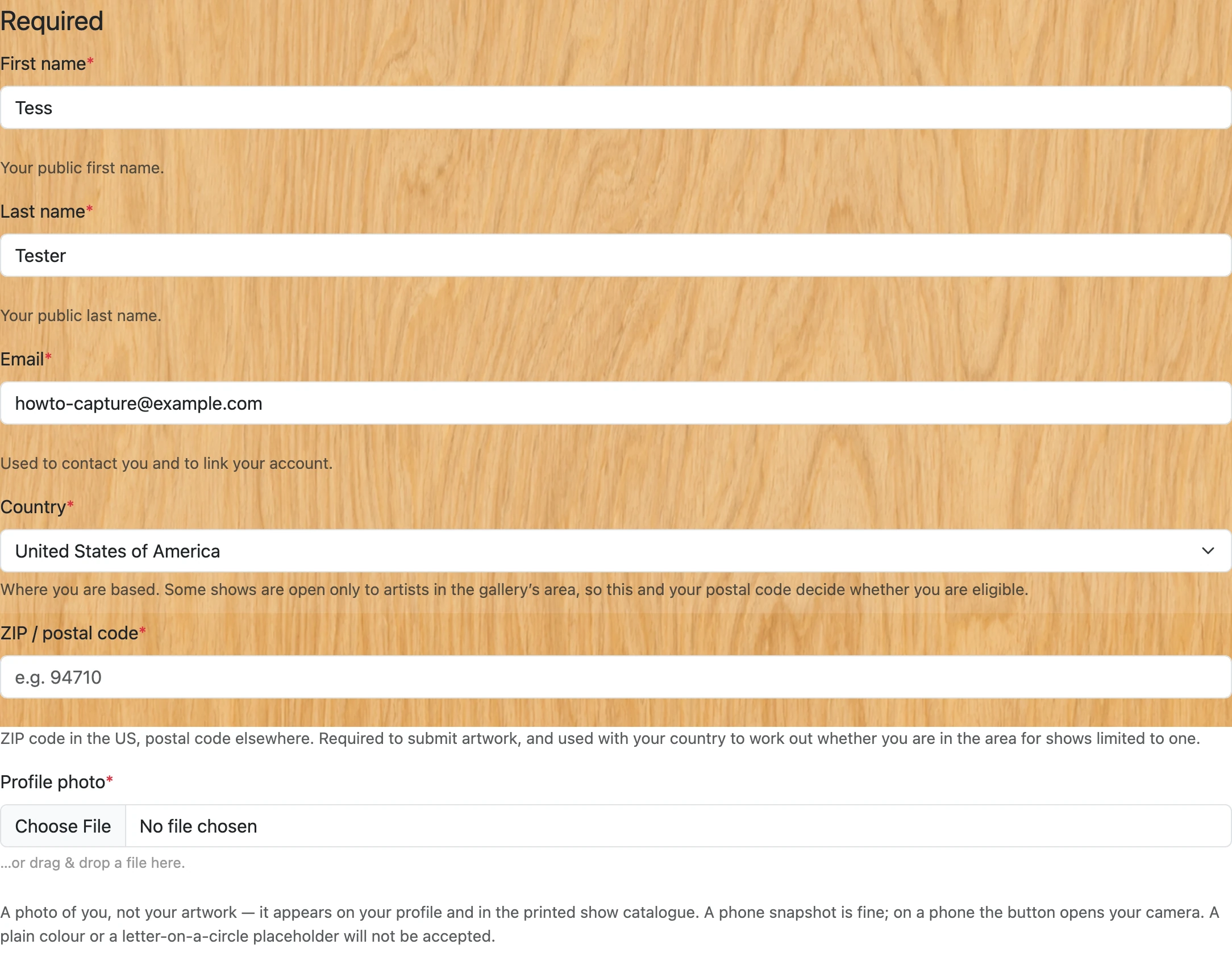
After signing up, an artist profile is automatically created for you using your name and email. If your email matches an existing artist record you were added under, the link is made for you automatically.
-
If you were added under a different email, visit your artist edit page after signing in — you will see a link to claim your existing record. See "Linking your account to an existing artist profile" in the how-to guides for full details.
